
Follow these simple steps to add users to your SMpicnic Control Panel.
Please ensure your friend is registered at ServerMiner by sending them this link: https://serverminer.com/register.
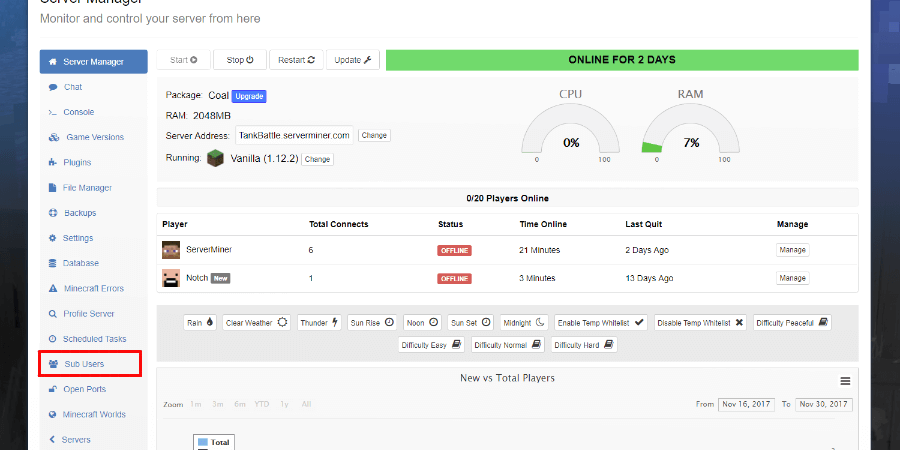
- First, login to the SMpicnic Control Panel and navigate to your Server Manager page.
- Click on the Sub-Users tab.
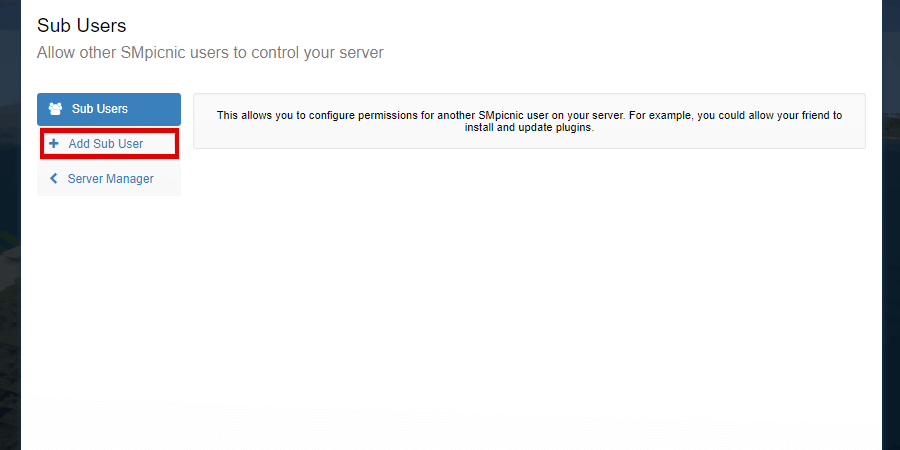
- Click on the Add Sub-User tab.
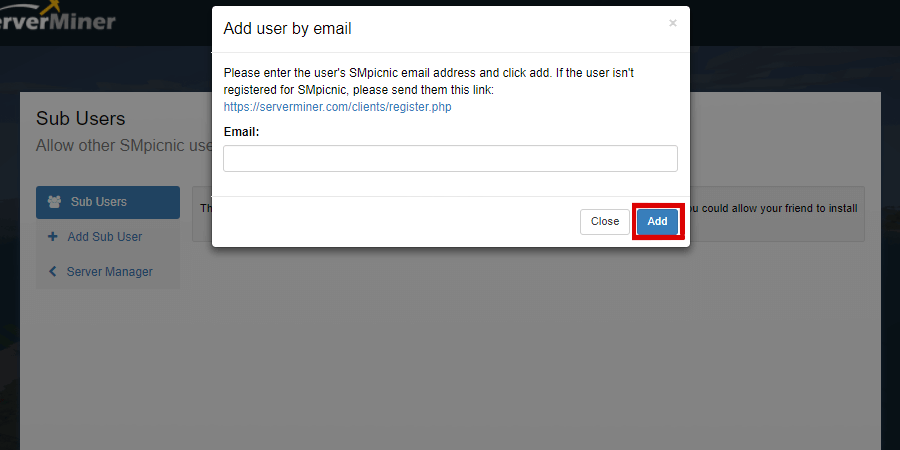
- Enter the User's registered email address then click add.
- Click Manage Permissions.
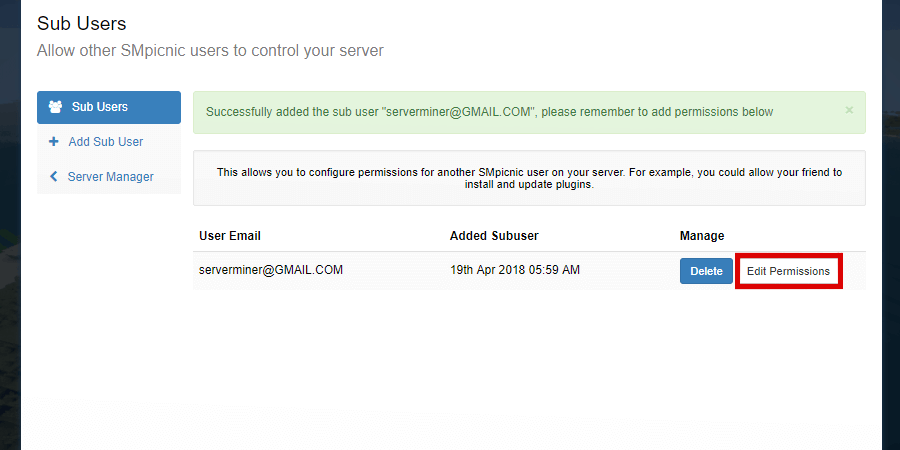
- Select the desired permissions for the new user.
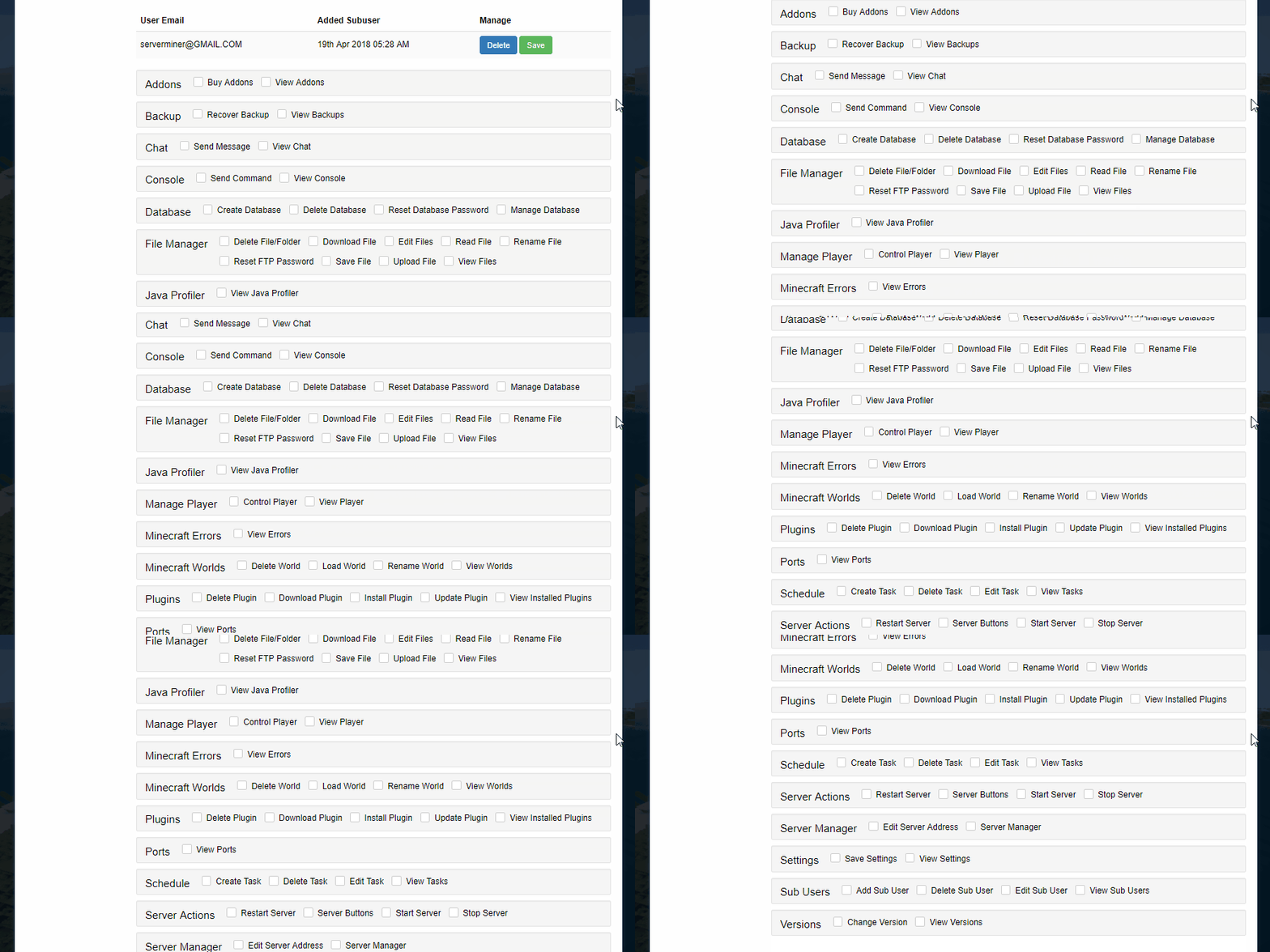
- Click Save.
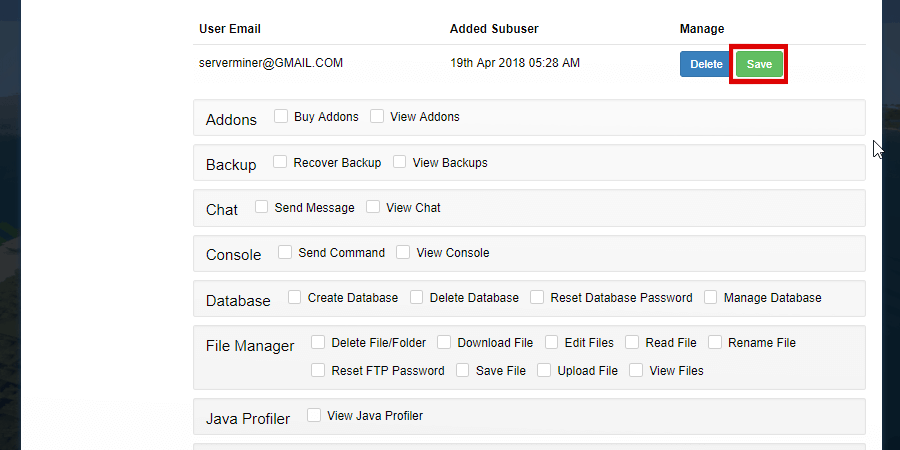
- Finished! You have added a new sub-user to your server! Happy mining! ⛏️